Skip to content




Let’s get your Yardline set up.
Three quick things and your dog’s new boundary is ready. Register your warranty, download the app, then follow the setup video.

Register your warranty
Takes under a minute. Registering links your collar to you, so if anything goes wrong we can sort it out fast.
We only use these details for your warranty and product support. Privacy policy
Download the Yardline app
You’ll use the app to pair your collar, draw your boundary and run the training program. Once the boundary is sent to the collar, it works on its own. No phone needed, no monthly fee.
- Turn on Bluetooth and Location before you open it
- Allow location access when asked, so the map can place your fence

Set it up in 8 steps
Watch the 83-second walkthrough, then use the steps below as you go. Plan on about 15 minutes, plus 4–6 hours to charge the collar first.
- 1
Charge it first
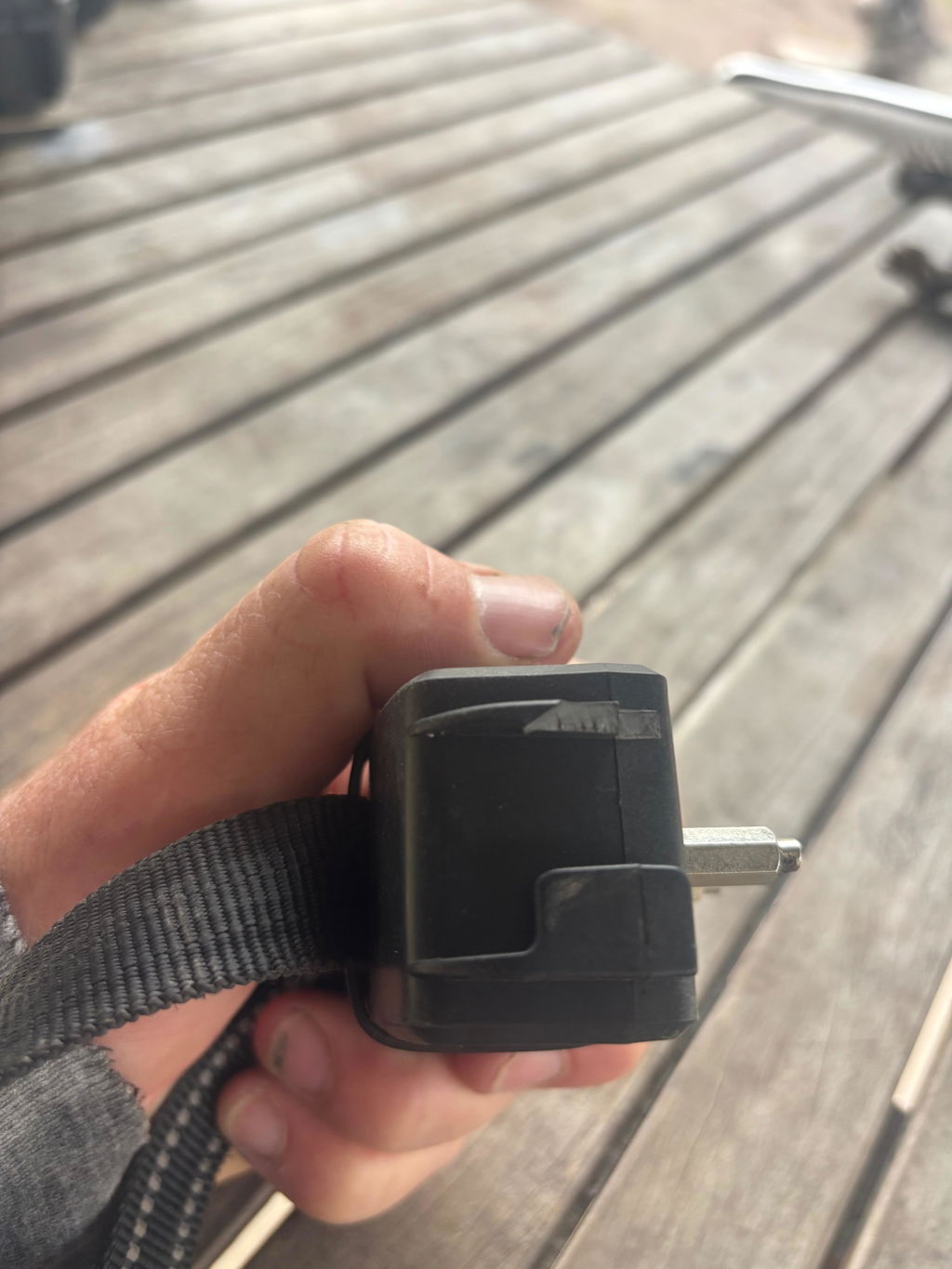
Snap on the magnetic cable (either way round). The light glows orange while charging and goes off when full. Charge 4–6 hours before first use.
Charging switches the collar and the fence off. See “After every recharge” below.
- 2
Get the app
Install “Yardline: GPS for Dogs” from the App Store or Google Play. Turn on Bluetooth and Location on your phone.
- 3
Power on
Press the button until you hear two beeps. The light flashes blue: the collar is ready to pair for 120 seconds.
Missed the window? Press the button once to make it discoverable again.
- 4
Connect the collar
Open Yardline, allow location access, then tap Connect and pick your collar (GF02 H, GF03 H or GF03 X) from the list. Keep it close to your phone.
- 5
Draw your line
On the Fence tab, choose Polygon and place up to 8 points around your yard. Want to keep your dog away from one spot inside it, like a garden or chicken coop? Switch to No-go zone and place 4 points around it. Then tap Send to collar.
Stay 15–20 ft from roads and 25 ft from the house. Boundary lines can’t cross each other.
- 6
Turn the fence on
Hold the button for 2 seconds until one long beep, or flip the fence switch in the app. Take the collar outside under open sky for 2–5 minutes. Red flashing means it’s finding GPS; green flashing means the fence is live.
Two short beeps instead? The boundary isn’t set or its lines cross. Check it in the app.
- 7
Train to the line
Follow the 11-day program on the Train tab. Start on leash with flags up and keep “Tone and vibration only” on. Short sessions and treats help.
For dogs over 6 months and 5 lb. Every dog learns at its own pace.
- 8
Fit the collar
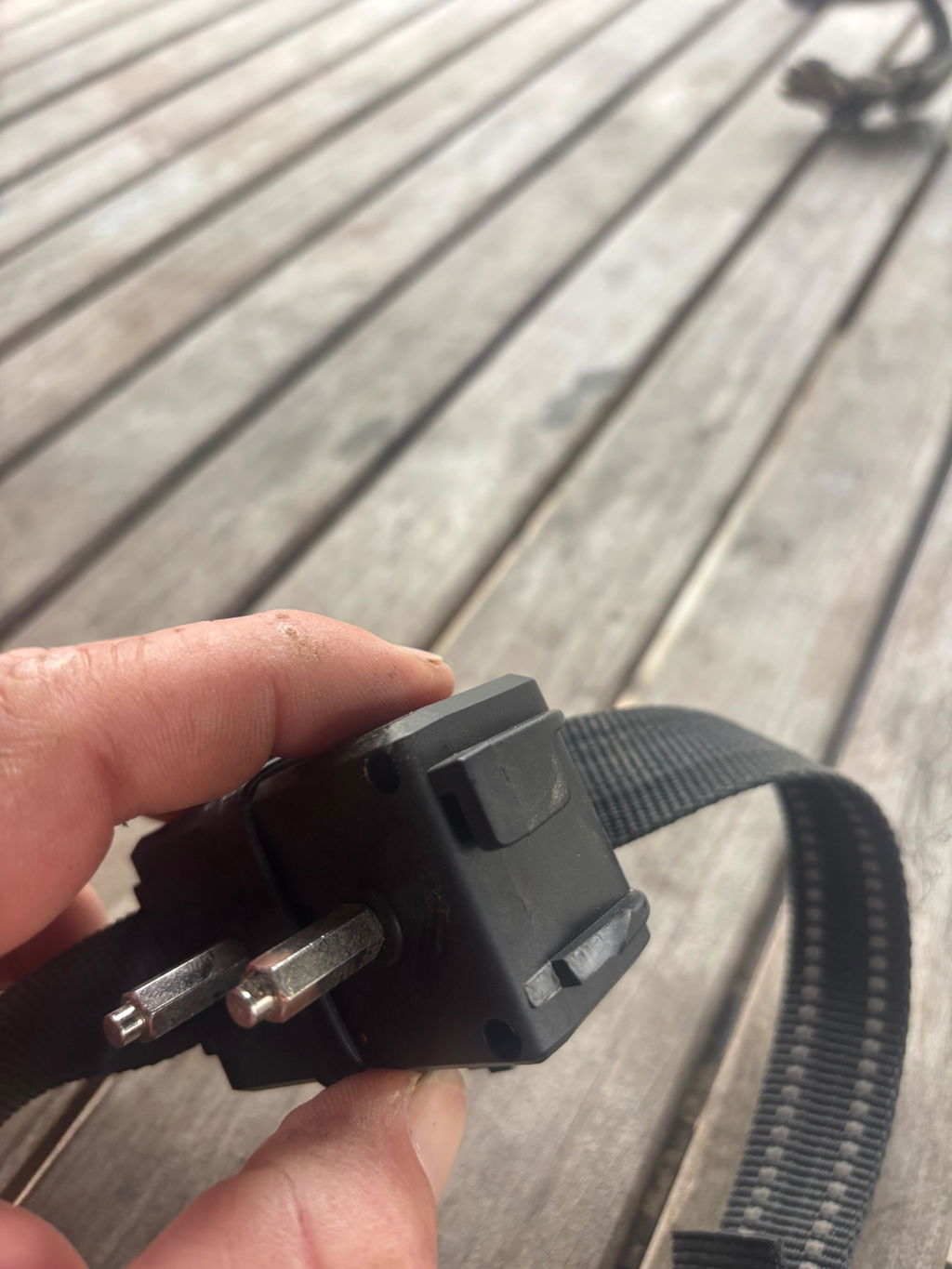
Place it on the narrowest part of the neck, just below the ears. Snug, with room for one finger under the contact points. Long prongs for thick coats, short for thin.
Fits necks 8–27 in. Don’t leave it on for more than 12 hours at a time.
Charging turns the collar off. Your fence is not active until you turn it back on.
A full charge lasts 3–4 days. When you unplug the collar, it’s off and so is the fence. Putting it straight back on your dog won’t keep them in.
- 1Hold the button to turn the collar onTwo beeps, then the light flashes blue.
- 2Hold it again to turn the fence back onOne long beep. Wait for the green flash outside, then put it on your dog.
What the light means
Need a hand?
Can’t find the collar in the app? Press the button once and try again. No GPS lock? Move into open sky and give it 5 minutes.
Still stuck? Email support@petcontrolhq.com.
Download the user manual (PDF)